
A sales pipeline in Go High Level is not just a list of deals with color-coded stages. When it’s built correctly, every stage transition triggers a specific action automatically so your team never has to manually decide what comes next.
Most teams use GHL pipelines as a glorified spreadsheet. This guide covers how to build one that actually functions as a revenue engine.

Why Most CRM Pipelines Fail
Before getting into the build, it’s worth understanding why most pipelines stop being useful within a few weeks of setup.
The problems are almost always the same:
- Too many stages — Reps don’t know where to put leads, so they guess or leave them in the wrong place.
- No automation attached — Stages become labels instead of actions.
- No inactivity detection — Leads sit idle for weeks without anyone noticing.
- No clear exit criteria — Reps don’t know when to advance a deal or mark it lost.
In many mature pipelines, the majority of non-converting leads end up stuck in just one or two stages. That’s rarely a sales rep problem. It’s usually a system design problem.
Without automation, inactivity alerts, and clearly defined next steps, opportunities quietly stall until they’re forgotten.
Designing Your Pipeline Stages
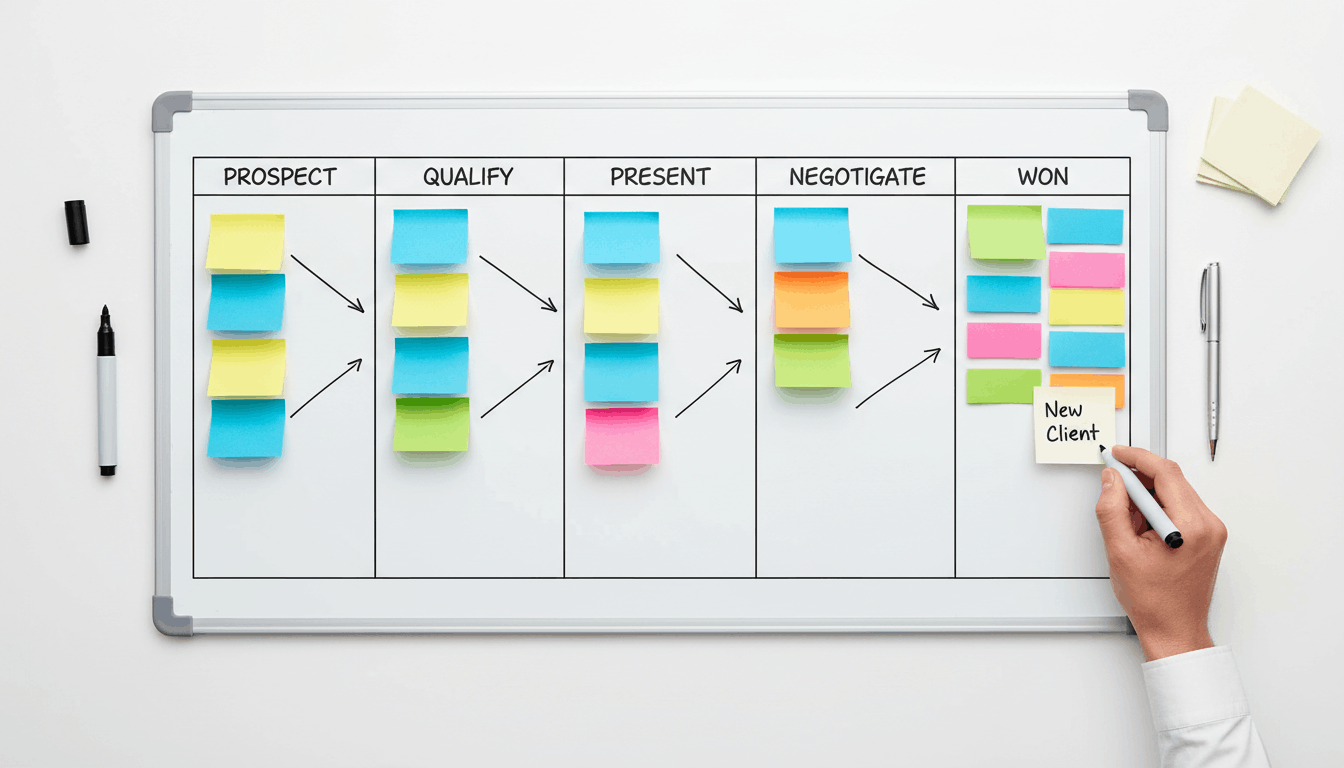
The ideal number of stages depends on your sales process, but a typical B2B Go High Level pipeline often looks like this:
| Stage | What It Means | Automated Action |
|---|---|---|
| New Lead | Contact just entered the pipeline | SMS and email first-touch sequence starts |
| Contact Attempted | Rep has attempted contact | Reminder triggers if no activity occurs |
| Connected | Initial conversation completed | Qualification sequence begins |
| Qualified | Prospect meets ICP requirements | Proposal workflow and scheduling actions fire |
| Proposal Sent | Proposal or quote delivered | Automated follow-up sequence begins |
| Won | Deal successfully closed | Customer onboarding workflow launches |
| Lost | Opportunity closed without a sale | Re-engagement campaign starts |
| Future Deals | Interested but not ready | Long-term nurture sequence begins |
The Future Deals stage is often overlooked. Instead of marking prospects lost when they’re simply not ready yet, this stage keeps them engaged through automated nurture campaigns until timing improves.
Attaching Automation to Every Stage
In Go High Level, every stage should have a purpose and every stage should trigger an action.
New Lead → Instant First Touch
When a new lead enters the pipeline, trigger a workflow that:
- Sends a personalized SMS within 60 seconds.
- Sends a follow-up email immediately.
- Assigns the lead to the correct representative.
- Notifies the assigned rep with contact details.
This is one of the highest-impact automations you can build. Fast response times dramatically increase the likelihood of reaching and converting a lead.
Inactivity Detection
Create a workflow that activates when a contact remains in the same stage for seven days without activity.
The workflow should:
- Create a reminder task for the rep.
- Send an automated follow-up message.
- Flag the opportunity for management review.
This prevents valuable opportunities from quietly disappearing.
Won → Post-Sale Handoff
When an opportunity is marked Won:
- Move the contact into a customer pipeline.
- Send onboarding information automatically.
- Create handoff tasks for the sales team.
- Notify leadership of the closed revenue.
This ensures customers receive a smooth transition after signing and eliminates confusion about next steps.
Lead Ownership and Assignment Rules
Go High Level allows automatic lead assignment based on:
- Lead source
- Product or service interest
- Geographic location
- Time of day
- Round-robin distribution
Ownership should never be unclear. The moment a lead enters your system, a specific representative should be assigned automatically.
Before launching your pipeline, submit test leads from every source and verify the correct rep receives ownership, notifications, and follow-up tasks.
Custom Fields That Power Better Reporting
The quality of your reporting depends heavily on the data collected throughout the pipeline.
Closed Date
Purpose: Records the actual date a deal was won.
Without a Closed Date field, revenue reports, close-rate calculations, and attribution reporting become inaccurate.
Make this field mandatory whenever an opportunity is moved into the Won stage.
Lead Source
Purpose: Tracks where every lead originated.
This field should be populated automatically by your lead capture and routing workflows. Regular audits help identify gaps that could affect attribution reporting.
Monitoring Your Pipeline Health
Once your pipeline is operational, review performance regularly.
Key metrics include:
- Average time per stage — Identifies bottlenecks.
- Lost reason distribution — Reveals why deals are failing.
- Stale opportunities — Highlights deals with no recent activity.
- Win rates by source — Shows which channels produce the best customers.
- Revenue by stage — Indicates where pipeline value is concentrated.
When monitored consistently, pipeline data provides clear direction on where improvements are needed.

Final Thoughts
A high-performing Go High Level pipeline isn’t simply a way to track deals. It’s a system that automates follow-up, assigns ownership, prevents inactivity, and guides opportunities from first contact to closed revenue.
Every stage should have a purpose. Every transition should trigger an action. Every opportunity should have a clear next step.
When built correctly, your pipeline becomes more than a CRM feature. It becomes a predictable revenue engine that helps your team close more deals with less manual effort.