
Most businesses know which campaigns drive the most leads. Very few know which campaigns drive the most revenue. That gap — between leads and revenue — is where most ad budgets go wrong.
This guide covers how to set up marketing attribution in Go High Level so you can answer the question that actually matters: which campaigns are creating closed deals?

The Attribution Problem in Plain Terms
Here’s a scenario that plays out in countless businesses:
You’re running Google Ads and Facebook Ads. Google Ads reports 500 leads last month at $20 CPL. Facebook Ads reports 800 leads at $12 CPL. By lead cost, Facebook looks like a clear winner.
But when you look at your won deals for the same month, you find that Facebook leads are closing at 1.8% while Google Ads leads are closing at 4.5%.
The math changes completely:
- Facebook: 800 leads × 1.8% = 14.4 won deals
- Google: 500 leads × 4.5% = 22.5 won deals
Despite higher CPL, Google is generating more closed business. Without attribution that connects leads to deals, you’d cut Google and double Facebook — and immediately damage revenue.
Attribution isn’t a marketing complexity. It’s a revenue protection mechanism.
The Three Layers of GHL Attribution
A complete attribution setup in GHL has three layers:
Layer 1: Lead Source Capture
Every contact entering GHL needs a source attached at the moment of creation. This comes from:
- UTM parameters captured in form hidden fields
- GCLID captured for Google Ads contacts
- Platform metadata from Facebook Lead Ads
- Manual source tags for outbound and referral leads
Layer 2: Source-to-Opportunity Connection
When a contact converts to an opportunity, the source should carry forward. This happens automatically if your contact creation workflows properly populate the Lead Source custom field.
Layer 3: Opportunity-to-Revenue Mapping
When a deal is marked Won, the Closed Date and Deal Value should be recorded along with the existing lead source. This creates a complete record of where the lead came from, what they purchased, how much it was worth, and when it closed.
Setting Up UTM Capture
UTM (Urchin Tracking Module) parameters are tags added to URLs that tell you where traffic originated. A properly tagged URL looks like:
yoursite.com/landing-page?utm_source=google&utm_medium=cpc&utm_campaign=spring-promoTo capture these in GHL:
- Add hidden fields to every form: utm_source, utm_medium, utm_campaign, utm_content, and utm_term.
- Add JavaScript that reads URL parameters and populates those hidden fields automatically.
- Map each hidden field to its corresponding custom field in GHL.
- Store the UTM values on the contact record when the form is submitted.
UTM Naming Standards
Consistent UTM naming is critical for clean reporting.
- Use lowercase only.
- Use hyphens instead of spaces.
- Follow a consistent campaign naming structure.
Example:
2026-q2-equipment-retargetingDocument your standards and apply them consistently across all campaigns.
The Platform vs. CRM Number Gap
One of the most important attribution exercises is comparing ad platform numbers against actual CRM records.
In many accounts there is a significant difference between what the advertising platform reports and what actually arrives in the CRM.
For example:
- Ad platform reports 1,552 leads
- GHL shows 700 actual contacts created
That’s a 55% gap.
The platform may show a cost per lead of $7.45, while the real cost per CRM contact is $16.51.
Both numbers have value, but they answer different questions. The platform reflects campaign impact and modeled conversions. The CRM reflects actual business volume and operational reality.
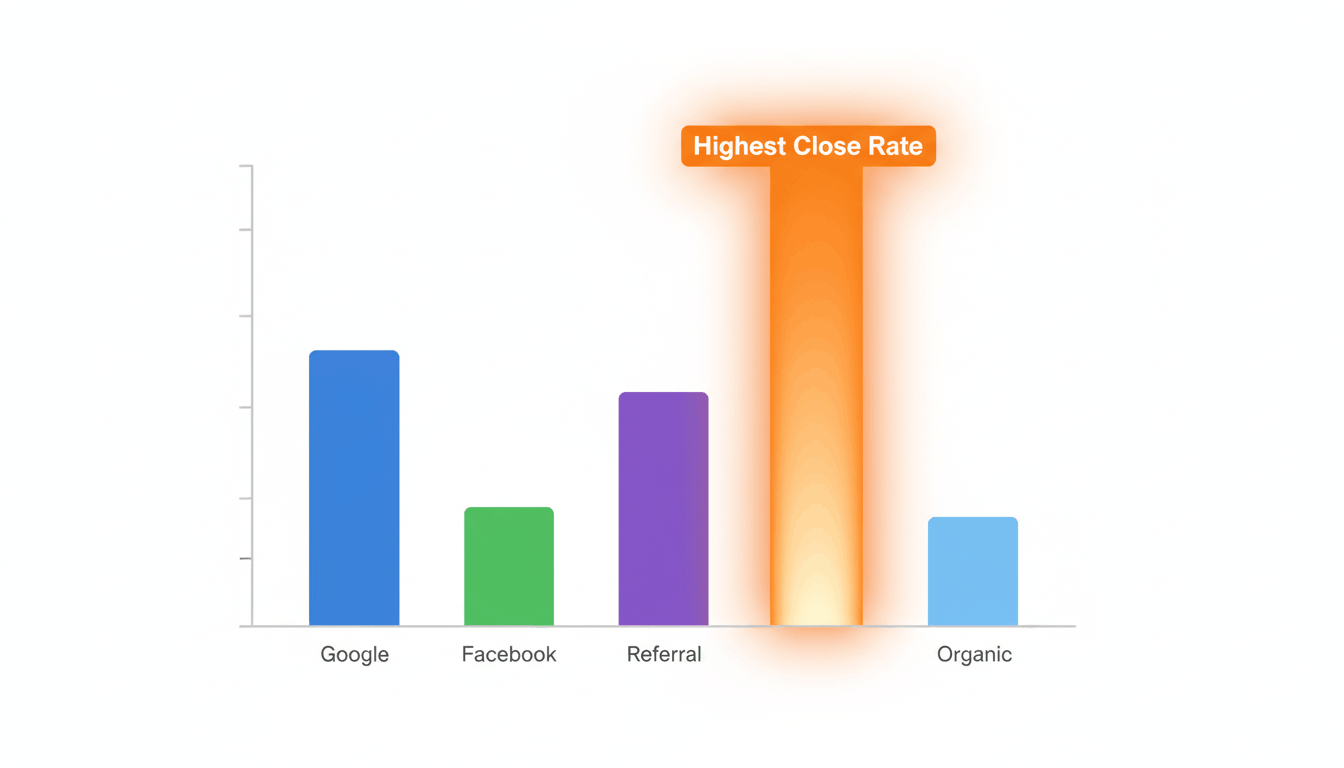
Finding Your Highest-Converting Source
Once you’ve collected 60–90 days of clean attribution data, analyze each lead source.
For every source, track:
- Total opportunities created
- Total won deals
- Win rate
- Total won revenue
- Average deal value
Sort by win rate and revenue contribution.
Many businesses discover that their cheapest lead source is not their most profitable source. Similarly, the highest-volume channel often isn’t the biggest revenue generator.
When you know which channels close best, you can:
- Allocate more budget to top-performing sources
- Create dedicated landing pages
- Build source-specific nurture campaigns
- Prioritize lead routing based on conversion performance
The Untracked Revenue Problem
Before trusting your attribution reports, examine the percentage of revenue attributed to “Unknown” or “Untracked” sources.
In many businesses, 40–70% of revenue may initially lack source attribution because lead source fields were never populated correctly.
This means major budget decisions are being made using incomplete information.
Audit every contact-creation workflow and ensure source fields are populated automatically every time a contact enters the system.
The goal is simple: no lead should enter the CRM without a source.

Reporting on Attribution in GHL
GHL allows you to filter opportunities by custom fields such as Lead Source, providing basic attribution reporting directly inside the platform.
For more advanced analysis, including campaign-level revenue tracking and multi-channel reporting, many businesses connect GHL data to reporting platforms such as Databox or Looker Studio.
The attribution data lives inside GHL. External reporting tools simply make that information easier to visualize and share with stakeholders.
Final Thoughts
Marketing attribution is the bridge between lead generation and revenue.
Without attribution, budget decisions are based on lead volume alone. With attribution, decisions are based on actual business outcomes.
By capturing lead source data, storing UTM parameters, tracking GCLIDs, and connecting opportunities to revenue, Go High Level becomes a powerful attribution platform that helps businesses invest confidently in the channels that truly drive growth.