
How to Migrate Your CRM to Go High Level Without Losing Data or Deals
Migrating a live CRM is one of the most operationally risky decisions a business can make. Every contact record, deal history, and active automation represents real revenue — and moving it to a new platform while business is still running is genuinely complex.
This guide covers how to approach a CRM migration to Go High Level methodically, so you don’t lose data, don’t disrupt active deals, and don’t leave your sales team working in the dark.

Why Businesses Migrate to GHL
Before getting into the how, it’s worth being clear about the why — because the motivation for migrating shapes which features you need to configure first.
The most common reasons businesses switch to Go High Level from another CRM:
- Too many disconnected tools — Running a separate CRM, email platform, SMS tool, chatbot, and phone system that don’t talk to each other
- Cost consolidation — The combined cost of individual tools exceeds GHL’s subscription
- Automation gaps — Current CRM can’t trigger the cross-channel automations the business needs
- Agency scalability — Need to manage multiple client accounts from one platform
- AI capability — Wanting trained AI agents for lead qualification without building a separate product
The migration is worth the effort — but only if it’s done cleanly. A rushed migration that leaves contact records incomplete, automations broken, or attribution data missing creates months of data quality problems.
Phase 1: Pre-Migration Audit
Before exporting anything from your current CRM, audit what you’re working with.
Contact Record Audit
- Total number of contacts
- How many are active (engaged in last 90 days)
- How many are in active sequences or pipelines
- Custom fields currently in use (these need to be recreated in GHL first)
Pipeline Audit
- How many pipelines exist?
- How many stages per pipeline?
- Which automations trigger on stage changes?
- Which deals are currently active and in which stages?
Automation Audit
- List every automation sequence currently running
- Note which contacts are currently enrolled in which sequences
- Pause non-essential sequences before migration to avoid overlap
Integration Audit
- Which tools are connected to your current CRM?
- Which of those integrations exist natively in GHL?
- Which will need to be rebuilt via webhook or Zapier?
Phase 2: Build GHL Before Moving Anything
The cardinal rule of CRM migration: build the destination before you move anything.
In GHL, before migrating a single contact:
- Build your pipelines — Recreate every pipeline stage, in the correct order, with the correct names
- Build your custom fields — Every custom field that exists in your old CRM needs to exist in GHL before you import contacts
- Build your workflows — Recreate your most critical automations so they’re ready to go live the moment contacts arrive
- Test your integrations — Connect your forms, ad platforms, and lead sources and confirm leads are flowing into GHL correctly
- Set up your phone system — If you’re moving phone numbers, port them before migrating so reps can operate normally
Phase 3: The Migration Itself
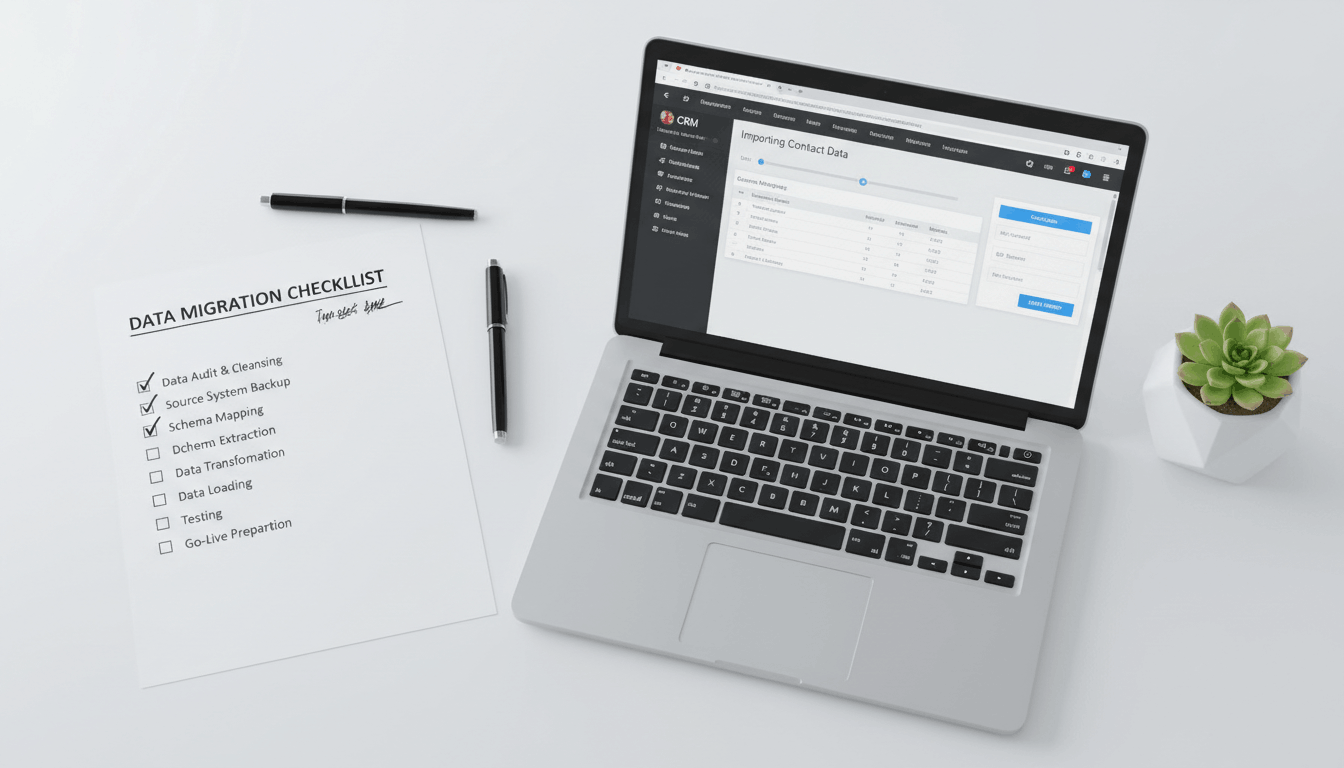
Export Your Contacts
Export all contact records from your current CRM as a CSV file. Include every custom field, tag, and pipeline stage in the export.
Clean the Data
Before importing, clean the CSV:
- Remove duplicates
- Standardize phone number formatting (10-digit, no dashes)
- Verify email addresses are properly formatted
- Map old field names to new GHL field names
Import in Segments
Don’t import 10,000 contacts at once. Import in manageable segments:
- Inactive contacts first — Less risk; they’re not in active sequences
- Future deals second — In long-term nurture, not actively closing
- Active pipeline last — Do this with your team present and ready to verify
Verify Before Cutting Over
After import, manually verify a sample of records:
- Does the phone number appear correctly?
- Are custom fields populated?
- Are tags present?
- Is the pipeline stage correct?
Do not decommission your old CRM until the verification is complete.
Phase 4: Go Live and Decommission
Once the data is verified and your team is trained on GHL:
- Set a cutover date — A specific date and time when the old CRM goes read-only
- Redirect all lead flows — Update every form, ad integration, and lead source to point to GHL
- Brief the team — Walk every rep through their new workflows before the cutover
- Run parallel for 30 days — Keep the old CRM available in read-only mode for 30 days so reps can reference historical notes
- Decommission — After 30 days of clean operation in GHL, terminate the old CRM subscription
What Loses Data in a Migration (And How to Prevent It)
Email history — Most CRMs don’t export email body content, only metadata. Consider this a fresh start in GHL and document key conversation history in contact notes before migrating.
Call recordings — Recordings typically can’t migrate between platforms. Export any critical recordings to a shared drive before you decommission.
Automation enrollment state — You can’t move a contact mid-sequence. Either let sequences complete before migration or manually re-enroll contacts in the equivalent GHL sequence after import.
Report historical baselines — Your GHL reports will start from the migration date. Export a historical performance snapshot from your old CRM before migrating so you have a baseline for year-over-year comparisons.
The Rule: Never Migrate Live — Migrate in Parallel

The safest migration approach is always parallel operation: stand up GHL completely, run both systems simultaneously for two to four weeks, verify everything is working correctly, and then cut over.
This gives the team time to get comfortable with the new platform without the pressure of being immediately dependent on it. It also gives you a safety net — if something goes wrong in GHL during the parallel period, you have a fallback.
Rushing the cutover to hit an arbitrary deadline is how businesses lose data and revenue.
Migration Checklist Summary
| Phase | Key Actions | Critical Success Factor |
|---|---|---|
| Pre-Migration Audit | Audit contacts, pipelines, automations, integrations | Know exactly what you’re moving |
| Build GHL | Recreate pipelines, fields, workflows, integrations | Destination ready before moving anything |
| Migration | Export, clean, import in segments, verify | Don’t rush; verify sample records |
| Go Live | Cutover date, redirect flows, train team | Parallel operation for 30 days |
| Decommission | Terminate old CRM after 30 days | Keep read-only access for reference |
Migrating your CRM to Go High Level is a significant undertaking, but with careful planning and a methodical approach, you can make the transition smoothly without losing data or disrupting your active deals. Take it step by step, verify at each stage, and give your team time to adapt.