
Go High Level Phone System: How to Set Up IVR, Call Routing, and Voicemail Automation
For any business where customers call before they buy, the quality of your phone system directly affects revenue. A missed call, a confusing phone menu, or a voicemail that nobody follows up on are all quiet revenue leaks that most businesses don’t measure.
Go High Level includes a full phone system — phone numbers, IVR menus, call routing, recording, AI transcription, voicemail, and automatic follow-up workflows — all integrated directly with the CRM. Here’s how to set it up correctly.

What GHL’s Phone System Includes
Before getting into setup, here’s what you’re working with:
- GHL Phone Numbers — Local or toll-free numbers purchased directly through GHL (powered by Twilio)
- IVR (Interactive Voice Response) — Press 1 for Sales, Press 2 for Support — configurable menus
- Call Routing — Ring specific users, ring-all configurations, sequential routing, round-robin
- Call Recording — Every call automatically recorded and stored on the contact record
- AI Transcription — Every recording automatically transcribed by GHL’s AI
- Voicemail — Custom voicemail greeting, voicemail to email notification
- Missed Call Workflows — Automated sequences triggered when a call goes unanswered
- Call Attribution — Every call tracked to its lead source (form, ad, marketplace, etc.)
- Power Dialer — Automated outbound dialing for outbound sales teams (up to 3x manual output)
Step 1: Acquire Your Phone Numbers
In GHL, go to Settings > Phone Numbers and add numbers for your business.
Best practices:
- Use a local area code for your primary market — local numbers convert at higher rates than toll-free for most B2B businesses
- Get a separate number for each brand or campaign you want to track independently
- Consider tracking numbers for major ad campaigns so you can attribute calls back to specific campaigns
The Spam Likely Problem
Before configuring anything else: check whether your business phone numbers have been flagged as “Spam Likely” by wireless carriers.
When a number gets flagged, it appears on the recipient’s screen as “Spam Likely” before they pick up — and most people don’t. The business doesn’t know this is happening. Sales calls go unanswered and nobody understands why response rates dropped.
Check your numbers using tools like Free Caller Registry, TNS Call Guardian, or similar. If flagged, file carrier remediation immediately. This process can take 2–4 weeks — don’t delay it.
Step 2: Build Your IVR
In GHL, IVR is configured under Settings > Phone System > Call Flow (or similar, depending on your version).
A professional IVR structure for a sales-focused business:
Incoming Call →
- Greeting: “Thank you for calling [Company Name]. For sales, press 1. For support, press 2. To leave a message, press 3.”
- Press 1 → Route to Sales ring group
- Press 2 → Route to Support rep or queue
- Press 3 → Voicemail
- No input after 10 seconds → Voicemail
Ring-All Configuration: For the Sales ring group, configure all available sales reps to ring simultaneously. The first rep to answer gets the call. This minimizes the chance of a call being missed because one rep was busy.
Record professional audio for your greeting. Avoid robotic text-to-speech — record a real human voice or hire a professional voice actor. The greeting is often the first audio impression someone has of your business.
Step 3: Missed Call Automation
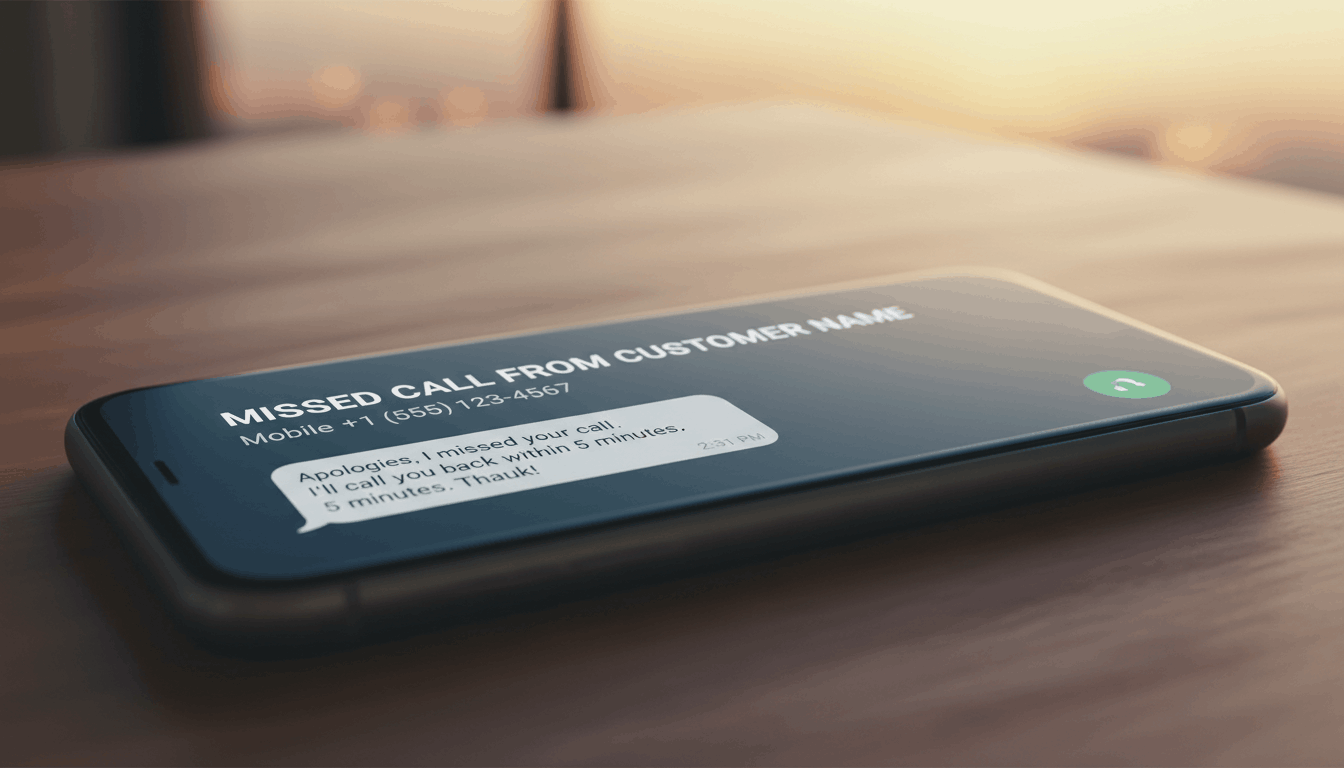
Every missed call should trigger a workflow. This is one of the most impactful things you can configure in GHL’s phone system.
Missed Call Workflow:
- Trigger: Incoming call ends without being answered
- Action 1 (5 minutes): SMS to caller — “Hey, we missed your call! What can we help you with?”
- Action 2 (simultaneous): Create opportunity in CRM under correct rep
- Action 3 (simultaneous): Notify rep via SMS — “[Contact Name] just called and we missed it. Their number: [number]”
- Action 4 (1 hour, if no reply): Follow-up email with easy contact options
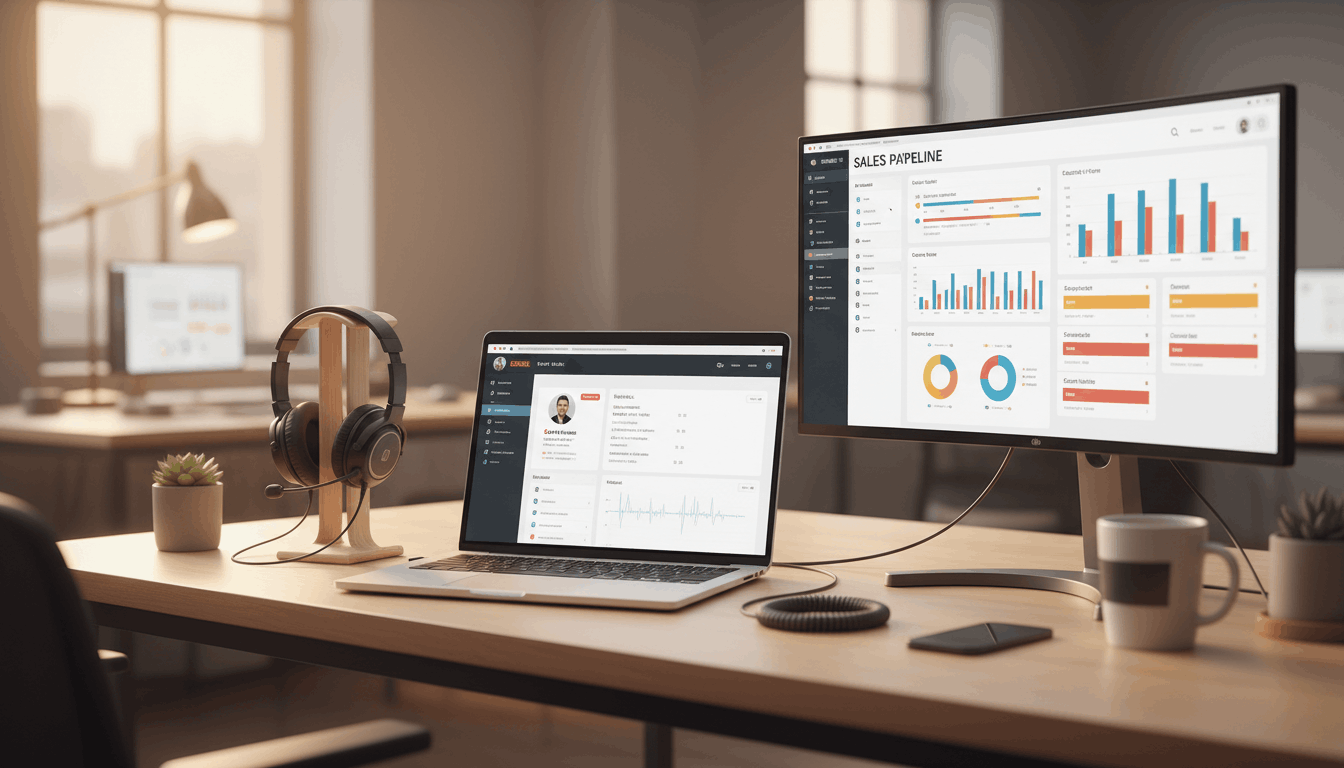
A lead who called your business was actively trying to reach you. They had purchasing intent in that moment. An automated 5-minute text response converts dramatically better than a manual callback hours later — because it reaches them while they’re still in the mindset of solving their problem.
Step 4: Connect Call Data to Google Ads
If you’re running Google Ads, your call conversions need to feed back into Google Ads for the algorithm to optimize correctly.
Most Google Ads accounts track form fills as conversions and ignore phone calls. This teaches the algorithm to find people who fill forms — but for businesses where customers prefer to call, that’s the wrong optimization signal.
In GHL, you can set up call conversion tracking that sends a signal to Google Ads every time an inbound call from a Google Ads click results in a certain outcome (answered call over X seconds, or a deal marked Won).
This teaches Google what a real customer looks like — not just a form filler.
Step 5: Power Dialer for Outbound Teams
If your business runs an outbound sales operation, the power dialer is one of the most significant productivity tools in GHL.
Manual dialing produces roughly 20–30 calls per rep per hour. A power dialer that auto-advances to the next contact after each call outcome produces 60–80 calls per rep per hour.
That’s not just an efficiency improvement — it’s a different category of output. More conversations per rep per day means more pipeline, more data, and faster ramp time for new reps.
To configure the power dialer, go to CRM > Power Dialer and set up your dialing lists by pipeline stage, tag, or filter criteria. Every call outcome is automatically logged on the contact record.
Step 6: Call Recording and AI Coaching
Every call recorded in GHL is stored on the contact’s activity timeline. GHL can also auto-generate a transcript immediately after the call ends.
These transcripts enable:
- Automated call scoring against your sales scripts
- Historical analysis of what was said in won vs. lost deals
- Rep coaching without managers listening to recordings
- Compliance verification that reps are following required disclosures
Once you have transcripts being generated automatically, you can build a coaching workflow on top of them that scores each call, writes a coaching report, and delivers it to reps and managers on a weekly basis — all without anyone manually reviewing a recording.
Common Setup Mistakes
Not testing before going live — Make test calls through every routing path before telling the team to use the system. IVR bugs are embarrassing and costly.
Using the same number for everything — One number for all leads means you can’t attribute calls to specific campaigns, products, or reps.
Not building the missed call workflow — If you don’t have this, every missed call is a revenue leak.
Not checking for carrier flagging — A flagged number silently destroys call answer rates.
Phone System Setup Checklist
| Component | Status | Priority |
|---|---|---|
| Acquire numbers (local area code) | Pending | High |
| Check Spam Likely status | Pending | Critical |
| Record professional IVR greeting | Pending | High |
| Configure IVR menu options | Pending | High |
| Set up ring groups (ring-all) | Pending | High |
| Build missed call workflow | Pending | Critical |
| Connect Google Ads call tracking | Pending | Medium |
| Enable call recording and AI transcription | Pending | High |
| Test all routing paths | Pending | Critical |
| Train team on power dialer | Pending | Medium |
Setting up your Go High Level phone system properly takes some upfront effort, but the payoff is significant. A professional phone system that handles calls efficiently, captures missed opportunities, and tracks attribution gives you a competitive advantage that most businesses don’t have. Take the time to get it right, and your sales team will thank you.