
Speed to Lead: How to Set Up 24/7 Automated Lead Response in Go High Level
Speed to lead is one of the most documented and consistently proven levers in sales performance. Studies show that contacting a lead within the first five minutes makes you over 100 times more likely to reach them than if you wait 30 minutes. After an hour, the odds drop to almost nothing.
The problem most businesses face is that they can’t staff around the clock. Leads come in on Sunday nights, Friday afternoons, and at 11pm on weekdays — and by Monday morning, those leads are gone.
Go High Level solves this with automation. Here’s how to build a speed-to-lead system that responds to every lead in under 60 seconds, regardless of when they submit.

The First-Touch Problem
Most businesses have some version of the same lead response process:
- Lead submits a form
- Email notification goes to someone on the team
- Someone sees the email — eventually
- They look up the contact information
- They try to call or text
In the best case scenario, that process takes 15–30 minutes. In the average business, it takes 2–4 hours. On weekends or evenings, it might take 24 hours.
The lead that submitted your form is not waiting for you. They submitted forms on three competitor websites within the same 10 minutes. Whoever reaches them first with a relevant, personalized message wins the conversation — and usually the deal.
Building the Instant First-Touch Workflow in GHL
The goal is to fire a personalized response to every new lead within 60 seconds of form submission, regardless of where the form lives or what time of day it is.
Step 1: Map Your Lead Sources
Before building the workflow, list every place a new lead can enter your CRM:
- Website contact form
- Facebook lead form
- Google Ads landing page form
- Instagram DM
- Website chat widget
- Phone call (inbound)
- Marketplace inquiry forms
Each source may need a slightly different first message. A lead from Google Ads who searched for a specific product should receive a message that references that product. A lead from Facebook who engaged with a specific ad should receive something contextually relevant.
Step 2: Create the Workflow Trigger
In GHL, go to Automation > Workflows and create a new workflow.
Set the trigger to: Contact Created — or, if you want source-specific workflows, Form Submitted (select the specific form).
Add conditions if needed:
- If source = Google Ads → route to Google Ads sequence
- If source = Facebook → route to Facebook sequence
Step 3: Build the First-Touch Sequence
The first-touch sequence should:
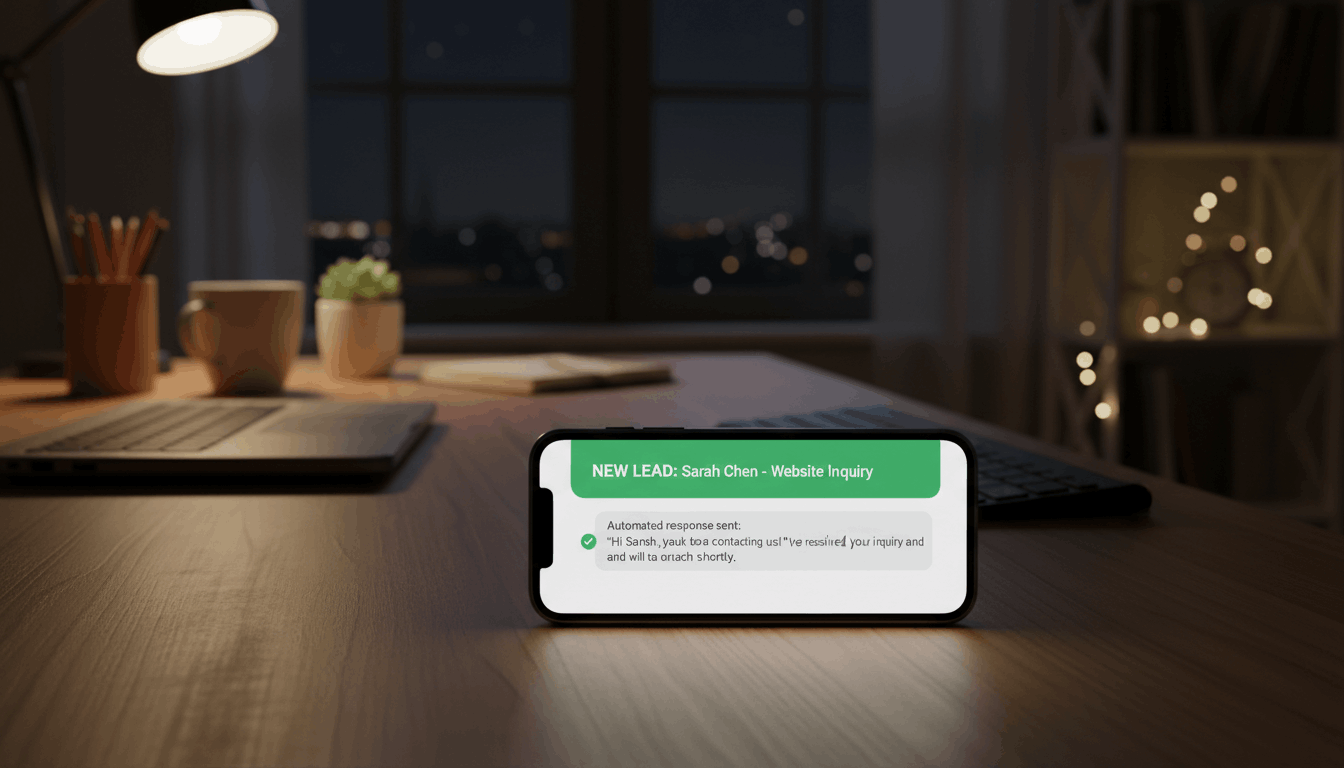
- Send SMS immediately — 60 seconds or less after trigger
- Send email simultaneously — same message, different format
- Create opportunity in the correct pipeline at “New Lead” stage
- Assign to rep based on your assignment rules
- Notify rep with contact’s name, number, and lead source
The SMS should be short, personalized, and invite a reply:
“Hey [First Name], this is [Your Name] from [Company]. You reached out about [service/product] — I wanted to connect. When’s a good time to chat?”
The email should include more context and a clear CTA (book a call, reply with questions, etc.).
Step 4: Add a Follow-Up Sequence
Not every lead will respond to the first message. Build a follow-up sequence that runs automatically if the lead hasn’t responded:
- Day 0, Minute 60: First SMS + email (sent simultaneously)
- Day 1: Second SMS with different angle
- Day 2: Follow-up call task assigned to rep
- Day 3: Email with a specific offer or piece of relevant content
- Day 5: Third SMS
- Day 7: Final attempt — “Just checking in” message + close the loop
Add an exit condition to this sequence: if the contact replies at any point, they exit the sequence and a rep notification fires immediately.
Handling Off-Hours Leads
The biggest gain from speed-to-lead automation is during off-hours. While your team is offline:
- The AI handles any conversation that starts on your website or social channels
- The automation sends the first-touch SMS and email
- Opportunity is created in the CRM
- Rep is notified
When the rep arrives Monday morning, they have a list of leads that came in over the weekend, already followed up with, already with full conversation history attached, and already ranked by response status (replied vs. no response).
That changes Monday morning from “cold outreach panic” to “warm follow-up execution.”
Phone Leads: The Missed Call Follow-Up
The first-touch logic shouldn’t only apply to form submissions. Phone calls are lead events too.
When someone calls and doesn’t reach anyone, that’s a missed opportunity. Build a separate workflow triggered by missed calls:
- Trigger: Missed inbound call
- Action 1: Send SMS within 5 minutes — “Hey, we missed your call. What can we help you with?”
- Action 2: Send follow-up email with easy booking link
- Action 3: Create CRM opportunity under the rep who owns that number
A missed call with an automated 5-minute text response converts at dramatically higher rates than a missed call with no follow-up. The person called because they were ready to talk — reaching back quickly keeps them in that mindset.
Tracking Speed-to-Lead Performance
Once your automation is running, track it. In GHL’s reporting:
- Monitor time between lead creation and first rep activity
- Filter by source to see which channels are getting the fastest response
- Look for patterns — are there specific days or times when automation isn’t firing correctly?
If you see gaps, audit your workflow triggers. The most common issues are:
- Contacts not being created from certain form sources
- Rep assignment failing because of missing data
- Sequences not triggering because of enrollment filters
The Competitive Advantage

When your business responds to every lead within 60 seconds, 24 hours a day, 7 days a week — and your competitors’ average response time is 2 hours — you win a significant percentage of opportunities before the product or price even comes up.
Speed to lead is not about being pushy. It’s about being available when the buyer is actively thinking about their problem and looking for someone to solve it.
Speed-to-Lead Performance Metrics
| Response Time | Conversion Rate | Lead Engagement |
|---|---|---|
| Under 1 minute | 45–55% | Very High |
| 5 minutes | 30–40% | High |
| 30 minutes | 15–20% | Moderate |
| 1 hour | 5–10% | Low |
| 2+ hours | Less than 2% | Very Low |
Investing in speed-to-lead automation is one of the highest-ROI activities you can undertake. It costs relatively little to implement, delivers immediate results, and creates a competitive advantage that is difficult for competitors to replicate without the same systems in place.